
Bridging privacy-focused cryptocurrencies like Zcash ($ZEC) to high-performance blockchains such as Solana has long been a challenge for users seeking speed, low fees, and decentralized trading. In October 2025, the launch of the Zolana Bridge changed the landscape by making it possible to move ZEC to Solana securely, with privacy options and full cross-chain compatibility. This guide will walk you through each key step, ensuring you can bridge your assets efficiently and with confidence.
Why Bridge Zcash ($ZEC) to Solana?
Zcash is renowned for its strong privacy features, while Solana offers lightning-fast transactions and a vibrant decentralized finance (DeFi) ecosystem. By bridging ZEC to Solana using the Zolana Bridge, users unlock access to Solana-based DEXs like Raydium, where they can trade ZEC with minimal fees and near-instant settlement. This process also leverages NEAR Intents for secure transaction authorization, maintaining privacy throughout the transfer.

Step-by-Step: How to Bridge Zcash ($ZEC) to Solana Using Zolana Bridge
The following steps are essential for a secure and seamless experience:
Steps to Bridge Zcash ($ZEC) to Solana with Zolana Bridge
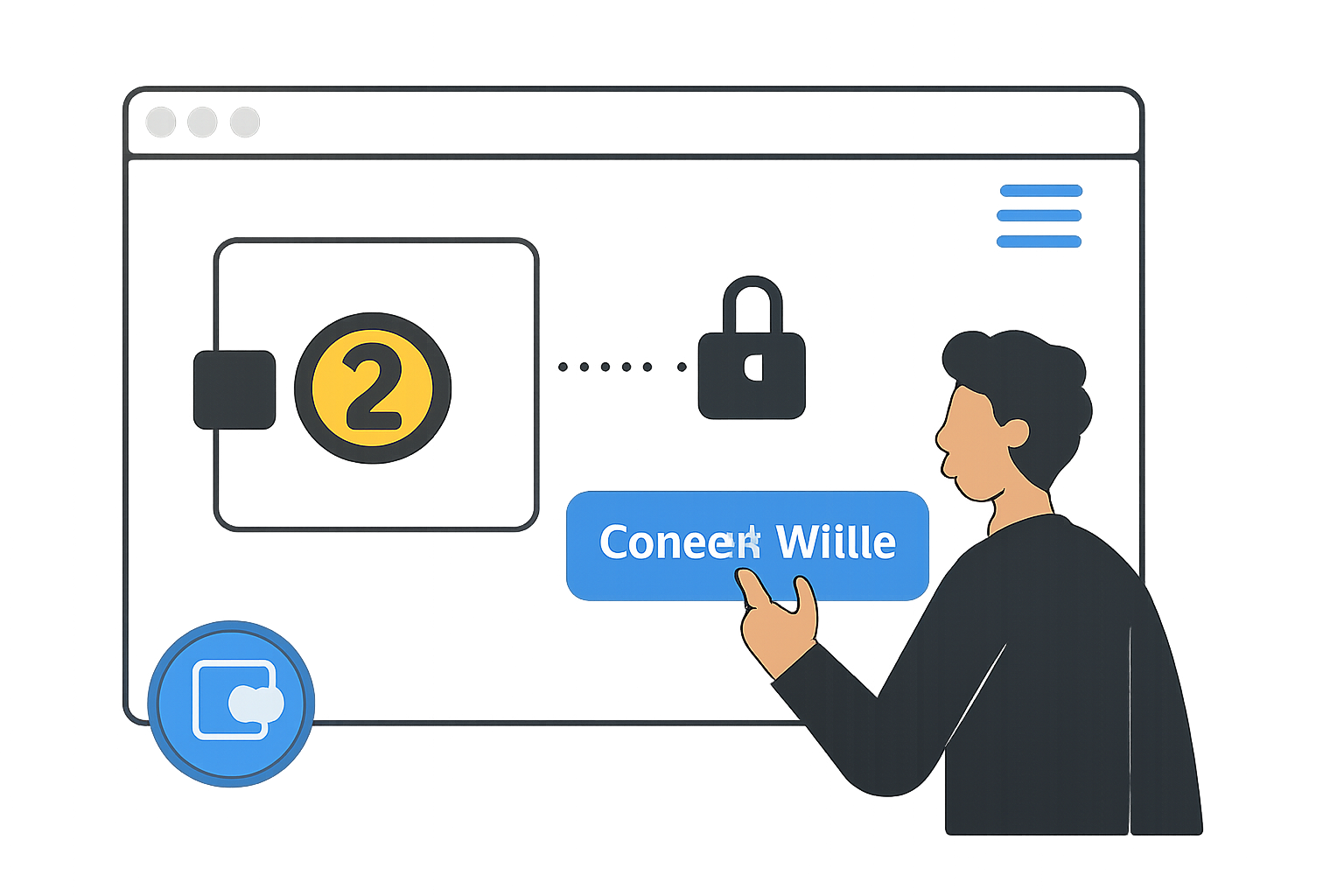
- Connect Your Zcash-Compatible Wallet to Zolana Bridge: Visit the official Zolana Bridge platform and securely connect your Zcash wallet. Ensure you use a wallet that supports ZEC and always verify you are on the authentic Zolana Bridge site to protect your funds.
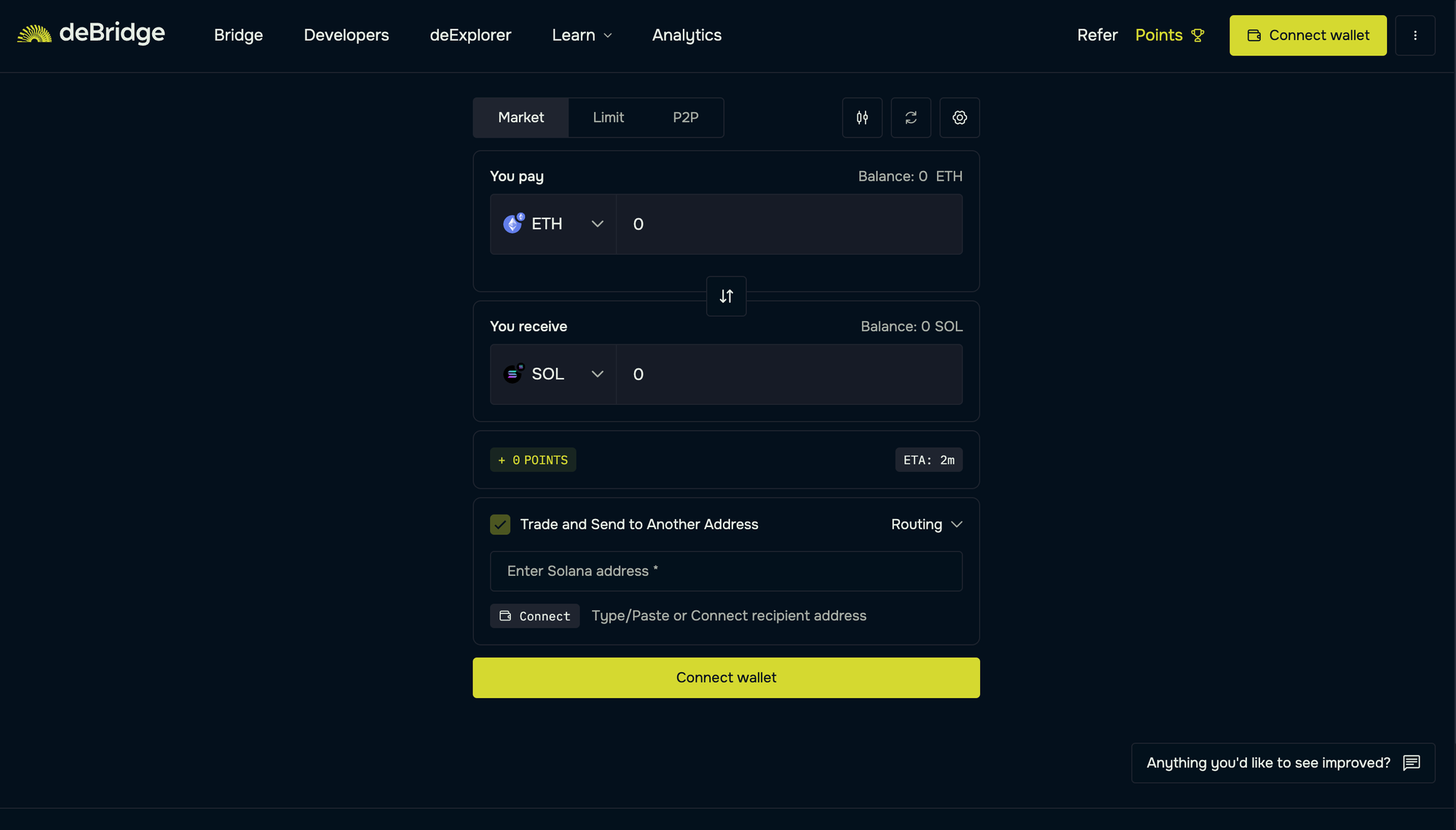
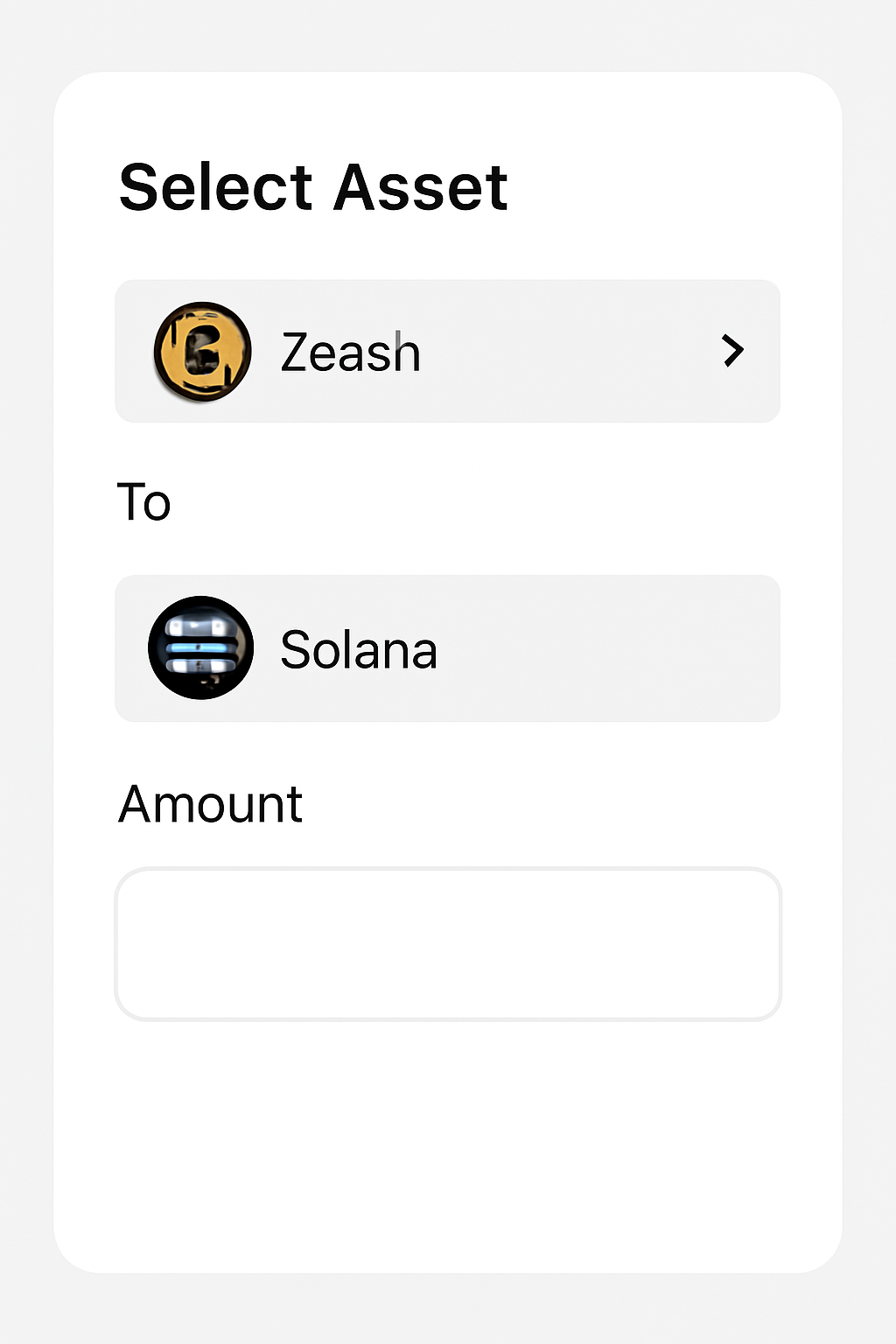
- Select Zcash ($ZEC) as the Asset and Solana as the Destination Chain: In the bridge dashboard, choose Zcash (ZEC) as the asset you want to bridge and Solana as the destination blockchain. Enter the amount of ZEC you wish to transfer and double-check the recipient Solana wallet address.
- Authorize the Transaction and Confirm Privacy Options via NEAR Intents: Approve the bridging transaction in your Zcash wallet. If prompted, review and confirm any privacy options enabled by NEAR Intents to ensure your transfer remains secure and private.
- Receive Bridged ZEC Tokens on Solana and Verify in Your Solana Wallet: Once the transaction is processed, your bridged ZEC tokens will appear in your Solana wallet as a Solana-based asset. Open your Solana-compatible wallet (like Solflare) to verify the receipt and check your new ZEC token balance.
- Connect Your Zcash-Compatible Wallet to Zolana Bridge
Begin by accessing the official Zolana Bridge interface. Connect your wallet that supports ZCash, such as Ywallet or Nighthawk Wallet, to initiate cross-chain communication. - Select Zcash ($ZEC) as the Asset and Solana as the Destination Chain
In the bridge dashboard, choose $ZEC as your source asset. Set "Solana" as your destination chain. This ensures that your tokens will be ported over as a wrapped version on Solana’s network, ready for DeFi applications. - Authorize the Transaction and Confirm Privacy Options via NEAR Intents
The bridge leverages NEAR Intents OmniBridge technology for transaction authorization. Here, you’ll approve both the transfer amount and any privacy settings, preserving confidentiality during transit if desired. - Receive Bridged ZEC Tokens on Solana and Verify in Your Solana Wallet
Once approved, monitor both networks for confirmation. After finalization, open your Solflare (or other compatible) wallet on Solana, you’ll see your bridged $ZEC tokens available for trading or DeFi use.
Navigating Fees, Security and Privacy When Bridging Assets
It’s important to prepare before initiating any cross-chain transfer:
- SOL Balance: Ensure you have enough SOL in your wallet to cover transaction fees on the destination chain.
- Official Links Only: Always use verified sources when accessing bridges; phishing attacks are common in crypto.
- Privacy Controls: Take advantage of NEAR Intents’ privacy options if you want additional anonymity during transfers.
- Network Congestion: Be aware that high traffic periods may slow down processing times.
This streamlined approach allows anyone, from privacy advocates to active DeFi traders, to participate in fast, secure cross-chain asset movement between two of crypto’s most innovative networks.
After your ZEC tokens arrive on Solana, you gain immediate access to Solana’s thriving DeFi ecosystem. The wrapped ZEC (wZEC) can be traded on decentralized exchanges like Raydium or integrated into liquidity pools for yield opportunities. This interoperability marks a significant milestone for privacy coins, making them more versatile and useful in the broader crypto landscape.
What Makes the Zolana Bridge Stand Out?
The Zolana Bridge is not just another cross-chain tool; it is purpose-built to respect and maintain the privacy ethos of Zcash while embracing Solana’s speed and scalability. Its integration of NEAR Intents OmniBridge technology allows users to customize privacy settings during the bridging process, ensuring sensitive transaction details remain confidential if desired. This flexibility is crucial for users who value both transparency in DeFi and selective privacy.
Another notable aspect is the bridge’s intuitive user interface, which guides even first-time users through each step, connecting wallets, selecting assets, authorizing transactions, and verifying receipt, minimizing common pitfalls associated with cross-chain transfers.
Best Practices for Secure Bridging
- Double-check wallet addresses: Always verify you are sending assets to the correct Solana address, as blockchain transactions are irreversible.
- Monitor transaction status: Use the bridge’s built-in explorer or third-party tools to track your transfer in real time.
- Stay informed: Follow official project channels for updates on bridge status, maintenance periods, and new feature rollouts.
How to Bridge Zcash ($ZEC) to Solana with Zolana Bridge

Expanding Opportunities: Trading and Beyond
Now that you have bridged your $ZEC onto Solana, you can immediately participate in decentralized trading by connecting your wallet to Raydium or other supported DEXs. The process is straightforward: simply select the appropriate wZEC trading pair and execute trades as you would with any other SPL token. With Solana’s high throughput and low fees, active traders can capitalize on arbitrage opportunities or provide liquidity with minimal friction.
This integration also sets the stage for future developments in Solana privacy coins. As more privacy-focused assets become available on fast L1 chains like Solana, expect new DeFi products catering specifically to privacy-conscious users, potentially including lending protocols or private swaps leveraging NEAR Intents’ advanced features.
The arrival of the Zolana Bridge demonstrates how cross-chain innovation continues to break down barriers between legacy privacy networks and next-generation DeFi platforms. By following these key steps, connecting your wallet securely, selecting $ZEC as your asset, confirming privacy options via NEAR Intents OmniBridge, and verifying receipt on Solana, you can move confidently between ecosystems while maintaining control over both your funds and your data. For those seeking clarity amid complexity in crypto markets, this bridge offers a compelling path forward.


No comments yet. Be the first to share your thoughts!