
Set up your Solana wallet first
Before buying or securing tokens, you need a self-custody wallet that supports the Solana blockchain. This is the foundation of your security; losing access to your wallet means losing your assets permanently. There are no customer service representatives to reset your password.
Choose a compatible wallet
For most users, a browser extension or mobile app wallet offers the best balance of usability and security. Phantom is the most widely used Solana wallet, offering a clean interface for managing SPL tokens and NFTs. Solflare is a strong alternative, known for its staking features and robust security protocols. Both are open-source and regularly audited.
Secure your recovery phrase
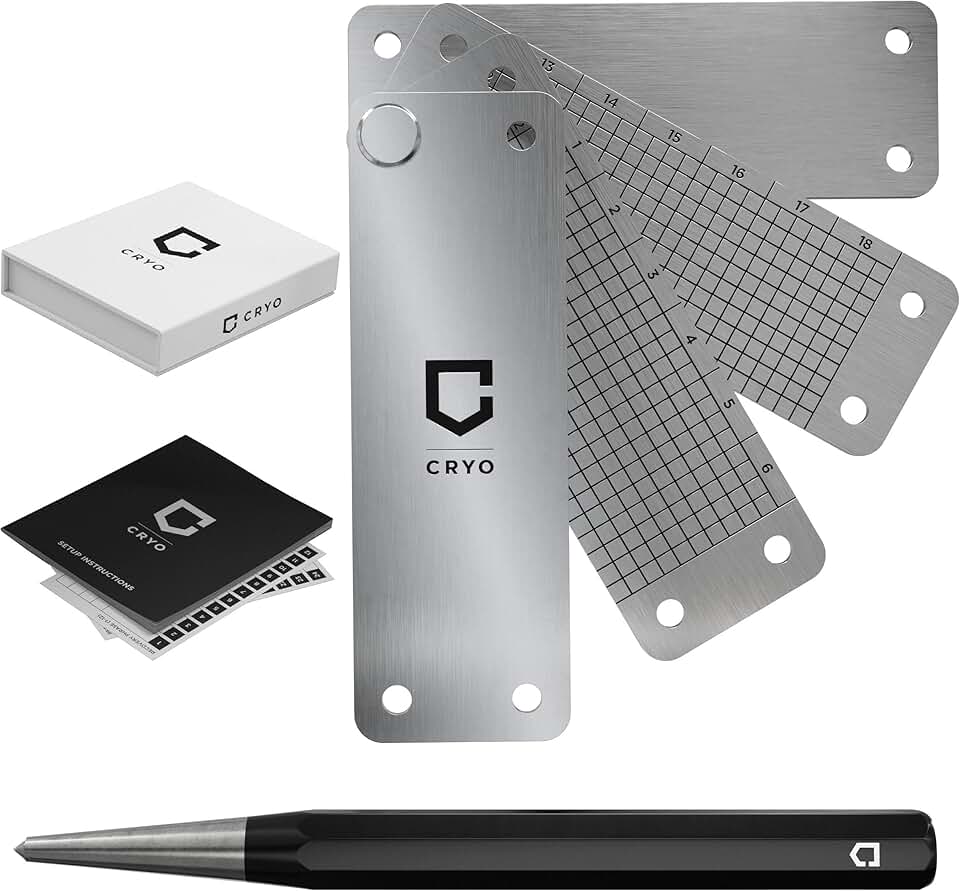
When you create a wallet, you will be given a 12 or 24-word recovery phrase. This phrase is the only way to restore your wallet if you lose your device or forget your password. Write it down on paper and store it in a secure physical location. Never store it digitally, screenshot it, or save it in a cloud note app. Anyone who has this phrase has full control over your funds.
Verify the official source
Only download wallets from official websites or verified app store listings. Phishing sites often mimic popular wallet interfaces to steal your recovery phrase. Bookmark the official Phantom or Solflare website to avoid accidental clicks on fake links.
Visit the official Phantom website (phantom.app) or the Apple/Google Play Store. Install the extension or app. Ensure the URL matches the official domain before entering any data.
Select "Create a new wallet." You will be prompted to set a strong password. This password unlocks the app on your device but is not your recovery key.
The app will display your 12 or 24-word seed phrase. Write these words down in order on paper. Verify the words by selecting them in the correct order as prompted by the app. Store the paper in a safe place.
Once verified, your wallet is ready. You can now add Solana as a network if using a multi-chain wallet, or simply receive your first SOL token to test the connection.


As an Amazon Associate, we may earn from qualifying purchases.
Compare Solana DeFi and infrastructure tokens
Not all Solana tokens serve the same purpose. Some power the network’s plumbing, others facilitate trading, and many rely on speculative momentum. To choose wisely, separate core infrastructure from DeFi applications and speculative assets.
Use the table below to compare three major tokens by category, total value locked (TVL), and primary utility. This comparison helps you identify which token aligns with your risk tolerance and investment thesis.
| Token | Category | Approx. TVL | Primary Utility |
|---|---|---|---|
| JUP | DeFi Aggregator | $450M+ | Swap aggregation & liquidity incentives |
| JTO | Infrastructure | $300M+ | Upgrade management & protocol governance |
| RAY | DeFi Exchange | $150M+ | Perpetual futures & spot trading |
Check developer activity and network upgrades
Before allocating capital, verify that the Solana ecosystem is technically sound. A vibrant network relies on consistent developer contributions and stable protocol upgrades. This section outlines how to validate these metrics using official sources and public data.
1. Review official ecosystem reports
Start with the monthly Solana Ecosystem Roundup published by the Solana Foundation. These reports provide a curated list of new projects, partnerships, and technical milestones. For example, the April 2026 roundup highlighted significant growth in tokenized real-world assets and institutional stablecoin adoption [src-serp-1]. Regularly checking these updates ensures you are aware of the current state of the network's growth and adoption.
2. Monitor the technical roadmap
Solana’s 2026 roadmap focuses on hardening the network to serve as reliable infrastructure for institutions [src-serp-4]. Key initiatives include improving network stability and preparing for the Firedancer validator client. Track these developments through the official Solana GitHub repository and the Solana Foundation’s technical blog. Consistent progress on these fronts indicates a healthy, evolving protocol.
3. Analyze developer activity metrics
Developer activity is a strong indicator of a blockchain’s long-term viability. Use platforms like GitHub to monitor the number of active contributors and recent commits to Solana’s core repositories. A steady increase in developer engagement suggests a robust ecosystem that is actively building and improving. Conversely, a decline in activity may signal potential issues or a lack of innovation.
Avoid common Solana security mistakes
Solana’s speed creates a unique trap: transactions finalize in seconds, leaving almost no time to reconsider. In 2026, attackers exploit this latency by flooding users with fake approvals and phishing sites that mimic official dApps. The most effective defense is a strict, pre-transaction checklist that prioritizes verification over speed.
Verify the URL before connecting
Phishing sites are the primary entry point for wallet drains. Attackers register domains that look identical to popular Solana exchanges or DeFi protocols, using subtle typos or different top-level domains. Always check the browser address bar for the exact, official URL before interacting with any interface. Bookmark trusted sites and avoid clicking links from social media, DMs, or email. If a link feels urgent or suspicious, close the tab and open the browser manually.
Audit token approvals
A common mistake is approving unlimited access to your tokens when interacting with new or lesser-known dApps. Once approved, a malicious contract can drain your wallet at any time. Before signing any transaction, check the "Approve" details in your wallet interface. If the request asks for an infinite amount of a token you don’t intend to spend, cancel the transaction. Use wallet security features to revoke old or unused approvals periodically.
Use hardware wallets for significant holdings
For large balances, hot wallets (browser extensions or mobile apps) are vulnerable to malware and phishing. A hardware wallet stores your private keys offline, making it impossible for remote attackers to steal them. When interacting with Solana dApps, connect your hardware wallet and always verify the transaction details on the device’s screen. This adds a critical physical layer of security that software-only solutions cannot match.
Verify your Solana holdings with a checklist
Before you trade, confirm that your assets are in the correct wallets and that your security keys are intact. This final verification step prevents costly mistakes like sending tokens to the wrong address or losing access to your portfolio.
Never rely solely on copy-pasted addresses. Open a block explorer like Solscan and paste your public key to verify the balance matches your expectation. This confirms the tokens are actually on the Solana blockchain and not stuck in a pending state.
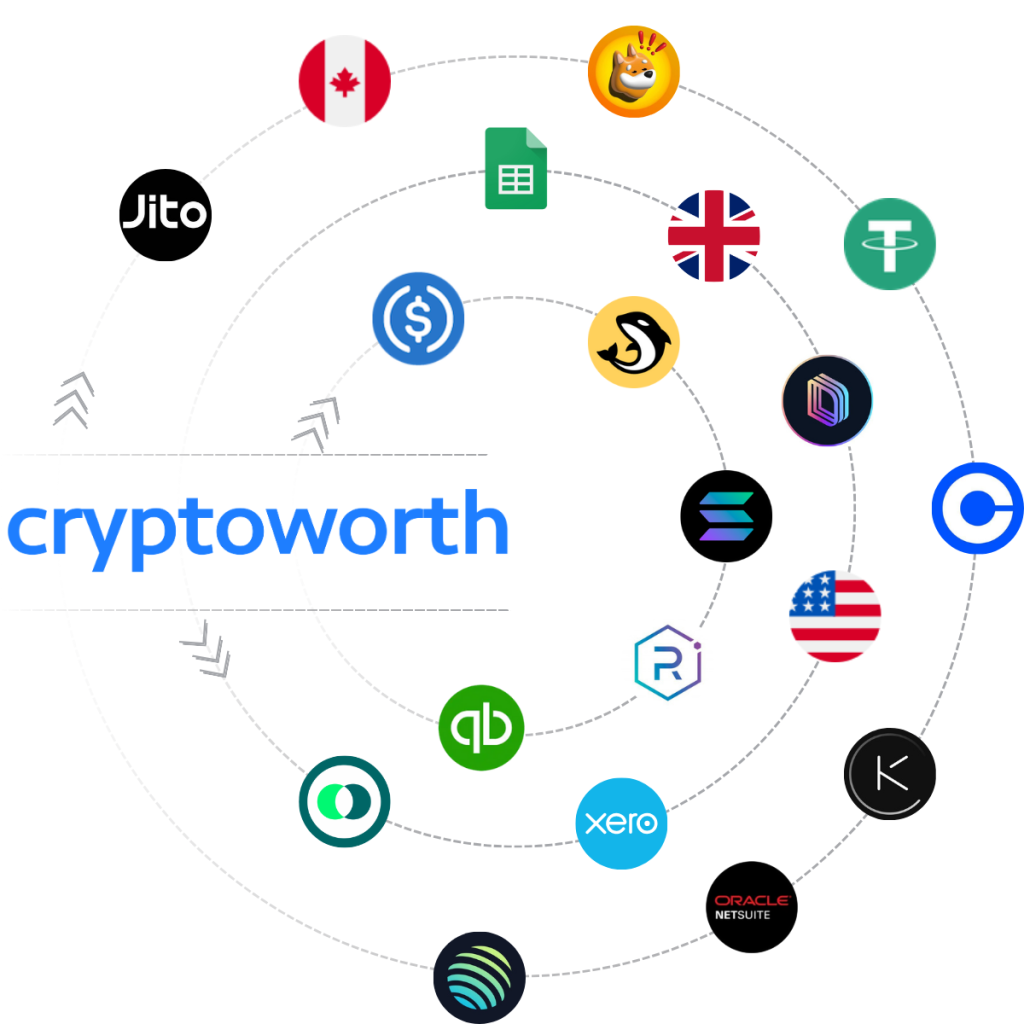
Ensure your wallet supports the specific SPL token standard. Some older or hardware-only wallets may not display newer ecosystem tokens like Jito or Raydium without manual configuration. Check the official token list for your wallet provider to avoid "missing" assets.
If you are moving funds to a new hardware wallet, send a minimal amount first. Confirm it arrives correctly before transferring the bulk of your holdings. This is the only reliable way to verify that your private key recovery phrase works as expected.
Write down your 12 or 24-word seed phrase on paper and store it offline. Never store it digitally, in cloud notes, or as a screenshot. If you use a hardware wallet like Ledger, ensure the device itself is physically secure and your PIN is memorized.
No comments yet. Be the first to share your thoughts!